

How to Schedule A Server Patch Window Without Disrupting Customers
Every IT team experiences the same thing. You deploy an important update and think it’s a low-traffic time, but then it backfires. Your customers can’t log in, internal tools stop working, and the support queue becomes a mess. Usually, the answer to the question of “what went wrong?” isn’t even about the patch; it’s about the timing.
One of the most underestimated skills in IT operations is knowing how to plan a server patch window. If done correctly, it can patch an important security breach, and the customers won’t notice, but if it is done incorrectly, then you lose the client’s trust and are up all night. This guide shows you the best way to organize, inform, and deploy patch windows to improve your systems while not affecting the people who rely on them.
Why Your Server Patch Window Strategy Matters More Than You Think

Communications networks must treat security as a priority. Cloudflare reports that DDoS (Distributed Denial of Service) attacks reached 47 million incidents in 2025 Q4, and that DDoS attacks have been increasing every year, with unpatched Cloudflare servers among the most targeted attack surfaces. Although the business risk of patching at the wrong time can rival the security risk of not patching at all, it does remain a risk, and timed server patches can disrupt services and affect customer relations.
For managed service providers and IT support services, a service disruption is not just a business impact but also a severe loss of reputation as a service provider. The server patching strategy must prioritize security and uptime equally.
Start with a Complete Asset Inventory
To schedule tasks or appointments efficiently, one patch at a time, you need a complete understanding of your assets. A complete inventory of your assets includes every server, every virtual machine, every application, and even the dependencies in your environment. This is important because a patch job done on a server may affect the patching of dependent applications and services. For example, if Server A sends data to Application B, which is used by Customer C, taking down Server A may cause Application B to fail.
Record the assets’ importance in server-client operations and how the assets depend on one another. You should also record the teammate who owns each asset. This record is the complete inventory of assets and will help make efficient patch schedules.
There are tools that automatically discover inventory assets at scheduled times, such as PDQ Inventory, NinjaOne, and Microsoft Endpoint Configuration Manager. A patch manager from NinjaOne also helps in creating a patch management process.
Build a Patch Management Policy Before You Schedule Anything
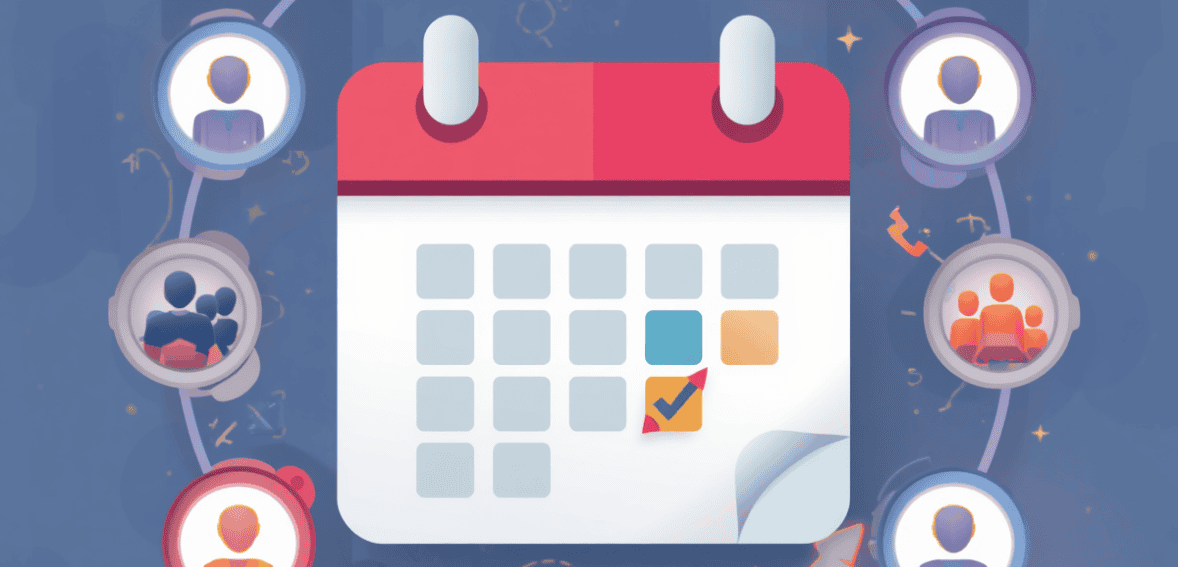
A server patch window marks the execution point of a policy. If there is no documented patch management policy, scheduling decisions become arbitrary, and truly customer-facing disruptions become inevitable.
Policies should specify how different patch severity classifications (critical, high, medium, low) affect response time, who gives the green light for deploying patches, which systems require a change management ticket, and what constitutes an acceptable maintenance window for different systems. If your team lacks a formalized policy, NIST Special Publication 800-40 Revision 4 is an excellent resource to add structure.
The policy must clearly distinguish between routine monthly patching and out-of-band emergency patching. The next scheduled patching time should not influence a response to a critical zero-day vulnerability. Policy should define the process to fast-track responses to this kind of situation, specifically, out-of-band emergency maintenance notifications. Adjusting your policy to this would help address potential customer impact.
Design a Tiered Patching Schedule
Patch scheduling for the consumer begins here. The ideal patch window is when the server is least utilized by the consumer. However, what constitutes low usage varies by environment.
For example, on a B2B SaaS platform serving an enterprise client in the U.S., usage is typically lower after 8 p.m. and again before 7 a.m. However, usage may be lower on e-commerce platforms during the week than on the weekend. For global platforms that serve multiple time zones, you may find there are no universally quiet periods, and you will need to strategically decide who will be impacted and communicate that to them.
Use your monitoring tools to pull traffic and usage data. Look at web analytics, application logs, and support tickets. Over a few months, significant data will appear. Let your data create your schedule.
Test Patches in a Sandbox Before Production Deployment
Perhaps the easiest way to stop customer disruption is to deploy a patch only after it has been tested. Patches should first be deployed to the sandbox or staging environment. Behavior in the test environment can be observed during a 24- to 72-hour validation period for normal patches, but may be shorter for security patches.
During this time, the team should test application compatibility, ensure services restart after a clean reboot, verify third-party service integrations, and review the system log for unexpected behavior. All issues discovered in this step will be resolved before a customer-facing system is touched. This alone reduces a majority of patch-related incidents.
Build Backup and Rollback Plans Into Every Window
Even the most reliable patches can create issues in production environments. This is not a failure of process; it is just how fractured systems behave. The most important element is how fast you can recover.
Every server patch window should have a rollback plan. Documented rollback plans should have verifiable snapshots or backups of the systems prior to the window. Rollback plans should have a rollback trigger that fires when symptoms X appear within a time interval of Y minutes. System health during the patch window must be monitored, and the assigned person must have the authority to roll back the patch without waiting for approval from three executives.
For virtualized infrastructures, rollback is fast and painless. Non-virtualized servers require a longer process, and pre-window backups must be completed before the patch window starts.
Communicate Proactively with Customers
Silence kills trust in patch management. Customers aren’t annoyed by maintenance windows; they dislike being caught off guard. One of the best ways to mitigate the adverse effects of disruptions is to communicate about them in advance.
Notify customers 48 to 72 hours in advance of planned maintenance affecting customer-facing services. Include the times (with time zone) of the maintenance window, what the effects will be including whether there will be a brief outage, performance degradation, or if a service will become unavailable, a way to contact support if the customer experiences an issue that is not caused by the maintenance, and that you will notify them when the maintenance is done and service is back to normal.
This type of communication differentiates managed service providers. Customers or clients will remember which managed service provider kept them informed and which provider left them to find service outages on their own.
Automate Smartly — But Keep Human Oversight
Patching software systems is important, and for good reason. As software systems age, vulnerabilities expose themselves. Not all software vulnerabilities are immediately damaging; however, some may lie dormant and expose your organization to attack. Reducing the frequency and extent of human involvement required to deploy software patches will reduce the likelihood that undetected patchable vulnerabilities are exploited.
Not every software patching process should be automated, however. Critical system or application updates, along with changes that require the development of custom pre-deployment and/or post-deployment artifacts, should be reviewed and approved before being automated. Enhancing the efficiency of your software patching process should not introduce reckless behavior.
Monitor, Document, and Improve Every Cycle
Patching software systems is important, and for good reason. As software systems age, vulnerabilities expose themselves. Not all software vulnerabilities are immediately damaging; however, some may lie dormant and expose your organization to attack. Reducing the frequency and extent of human involvement required to deploy software patches will reduce the likelihood that undetected patchable vulnerabilities are exploited.
Not every software patching process should be automated, however. Critical system or application updates, along with changes that require the development of custom pre-deployment and/or post-deployment artifacts, should be reviewed and approved before being automated. Enhancing the efficiency of your software patching process should not introduce reckless behavior.
Conclusion
Scheduling a server patch window that keeps customers unaware that anything happened is entirely achievable — but it requires more than just picking a time slot. It demands a complete asset inventory, a documented policy, data-driven scheduling, staged testing, rollback readiness, and proactive communication working together as a system. For managed service providers and enterprise IT teams, getting this right directly reflects service quality. The organizations that consistently nail their patch windows do not just have more secure infrastructure — they have more confident customers.
Frequently Asked Questions
What is a server patch window?
A server patch window is a scheduled period of time during which IT teams apply software updates, security patches, and firmware changes to servers. It’s designed to minimize disruption by concentrating maintenance activity into a predictable, low-impact timeframe.
How often should server patch windows be scheduled?
Most organizations schedule routine patch windows to coincide with Microsoft’s Patch Tuesday, the second Tuesday of each month. Urgent security updates may require additional, unscheduled patch windows. These should be addressed through an alternative fast-track procedure outlined in your organization’s patch management policy.
How do you minimize customer impact during a patch window?
The most effective approaches are scheduling windows during confirmed low-traffic periods based on actual usage data, testing patches in a staging environment before production deployment, having a rollback plan ready, and communicating planned maintenance to customers at least 48–72 hours in advance.
What’s the difference between patch management and change management?
Patch management is a division of change management. Change management takes an overview of how IT system modifications are suggested, assessed, sanctioned, and executed. Patch management oversees one of the cycles in change management, which includes the discovery and assessment of software updates, their deployment, and validation.